CAD (2D)
The myCNC CAM module includes an integrated 2D CAD toolset, allowing operators to draft custom geometries or modify existing parts directly at their machine. This eliminates the need to cycle back to external CAD software for routine adjustments or basic shape creation prior to toolpath generation.
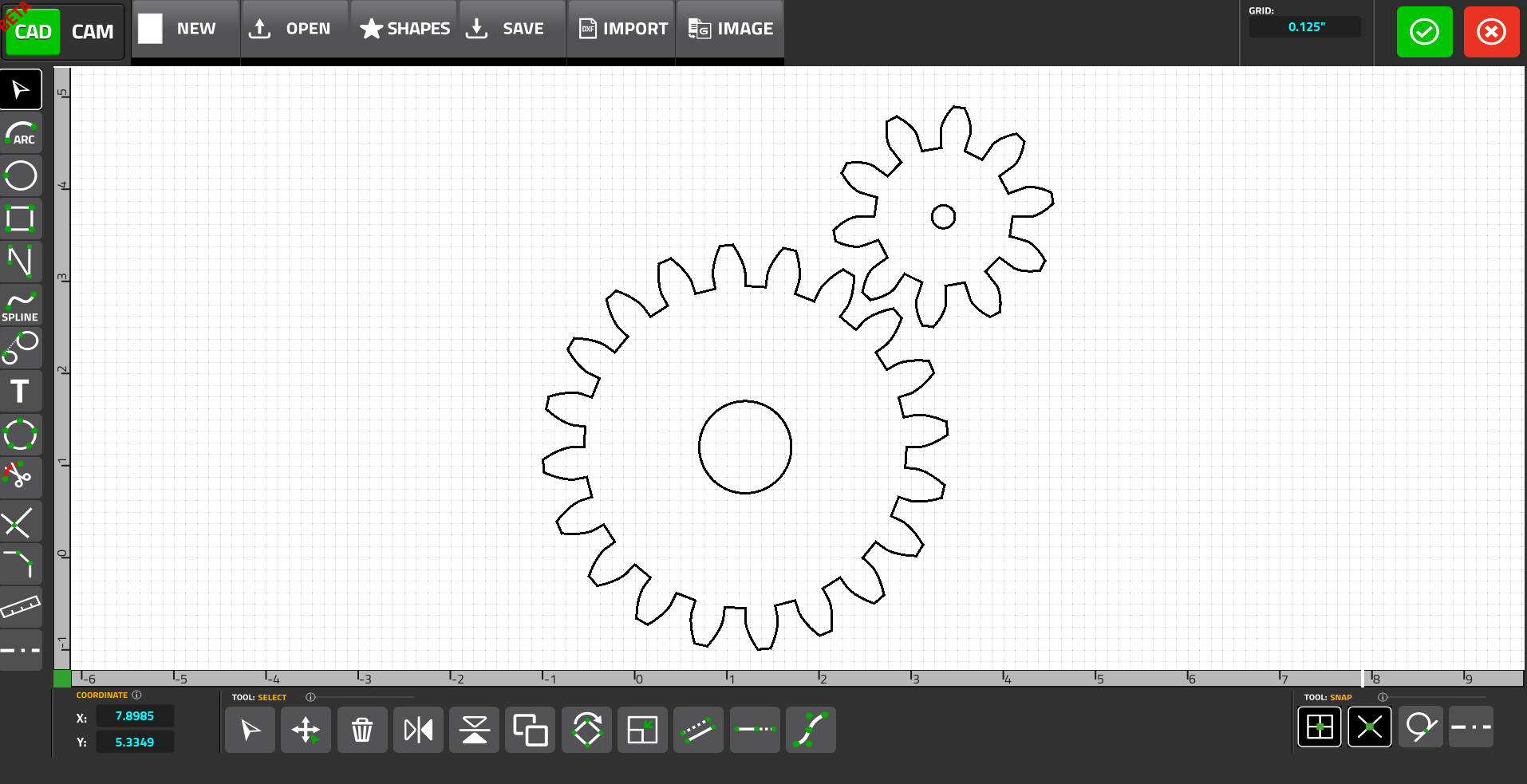
The CAD modules allows the user to generate custom parts with standard drafting tools:
-
Draw arcs, circles, rectangles, and multi-segment free lines using either the cursor or via direct coordinate entry (X/Y, Center, Radius, Width/Height)
-
Generate splines for complex curves
-
Automatically generate tangent lines connecting between two selected circles or arcs.
-
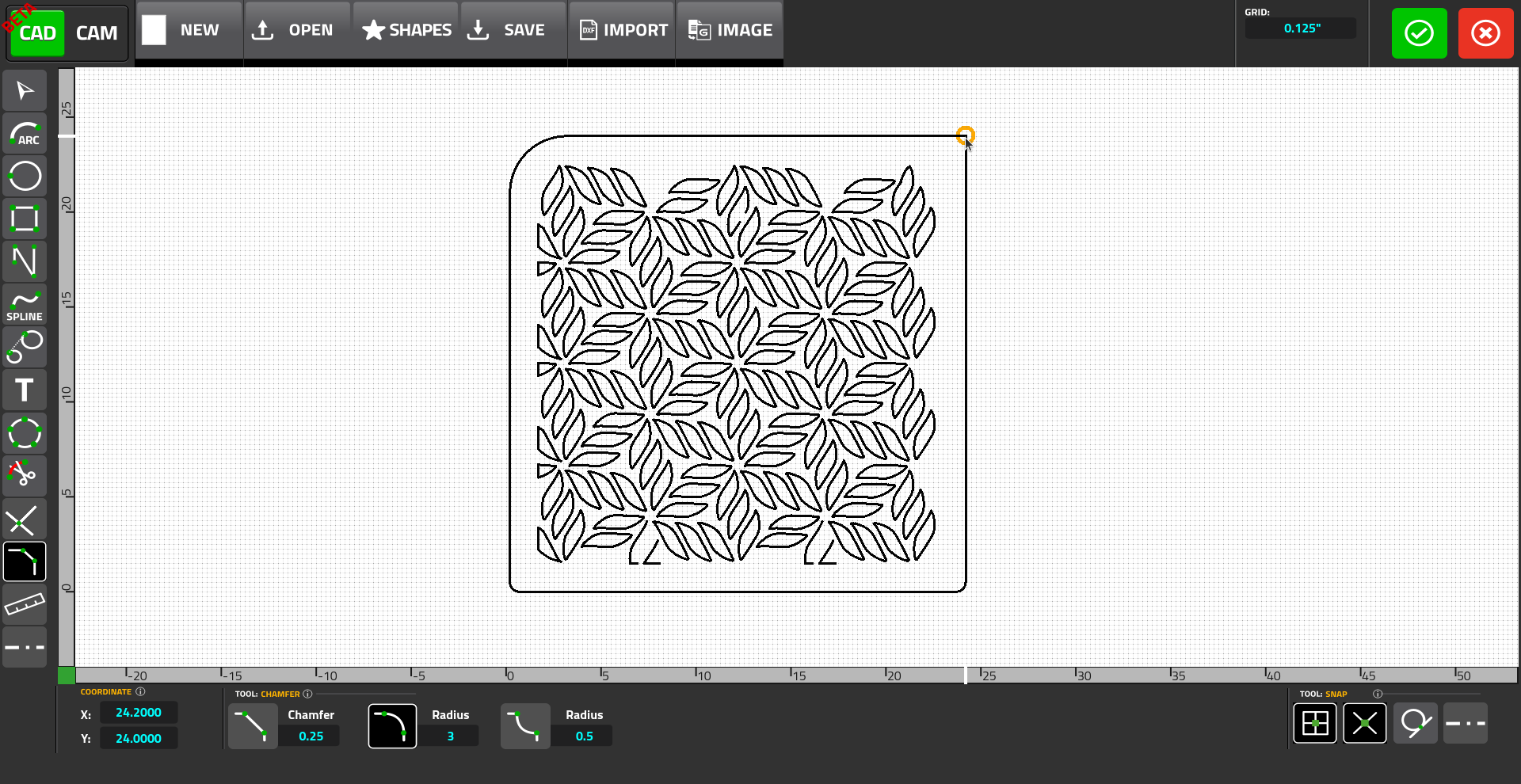
Apply chamfers and fillets by specifying the desired radius or dimension:
The CAD module comes with standard manipulation tools for adjusting existing vectors and shapes:
-
Transform Operations - Translate (X/Y), rotate around a specified reference point, scale, mirror, and copy selected geometries.
-
Offset & Lengthen - Generate offset copies of lines or arcs at specified distances, and lengthen or shorten existing segments
-
Trimming & Intersections - Delete specific line segments or use the "Find Intersections" tool to automatically identify and mark intersection nodes
-
Subdivide - Divide standard circles into a specified number of equal segments
For a demo of CAD 2D transform/offset/leangthen functionality in myCNC, please see the following video:
The module also comes with standard Quality-of-Life features to make drafting quicker, such as:
-
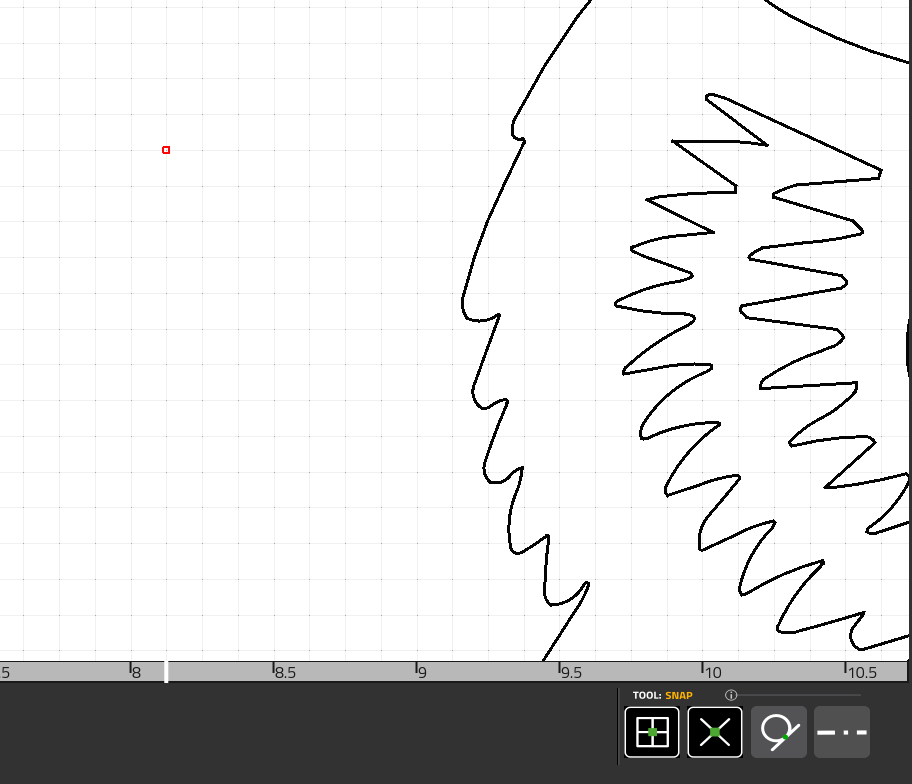
Cursor Snapping - Lock the cursor to an adjustable grid (from 0.0625” to 1” or Flex settings), specific points on existing shapes, tangencies, or X-lines
-
X-Lines (Construction Lines) - Overlay guide lines to serve as references. This includes a quick-key function to automatically generate centerlines on selected circles
-
Ruler - Utilize the integrated ruler to quickly verify point-to-point distances
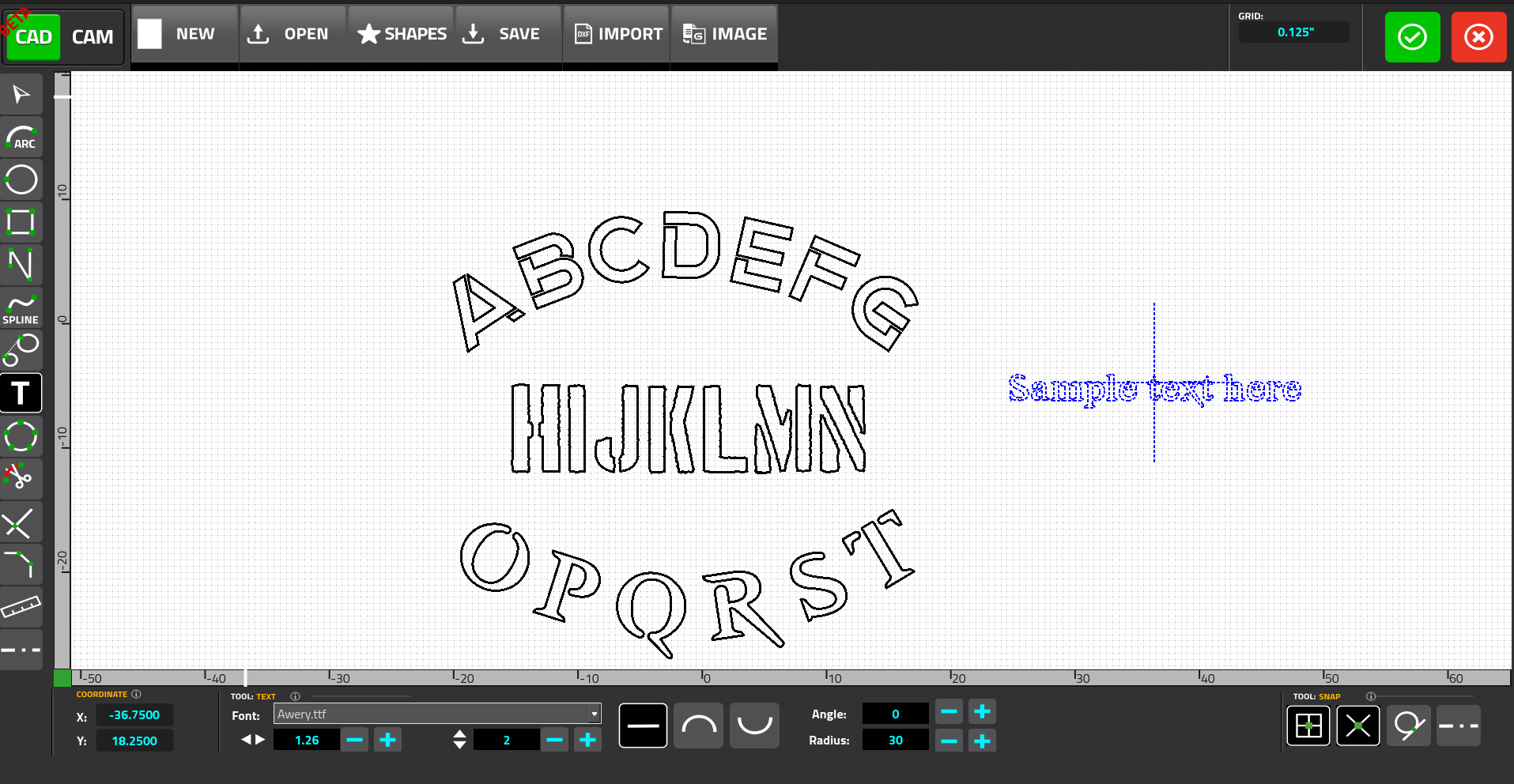
The myCNC CAD module comes with a Text feature allowing for easy text generation:
-
Stencil Fonts with standard or user-imported stencil fonts.
-
Radial Placement - allows the user to orient text linearly or map it to a curve with specific radius
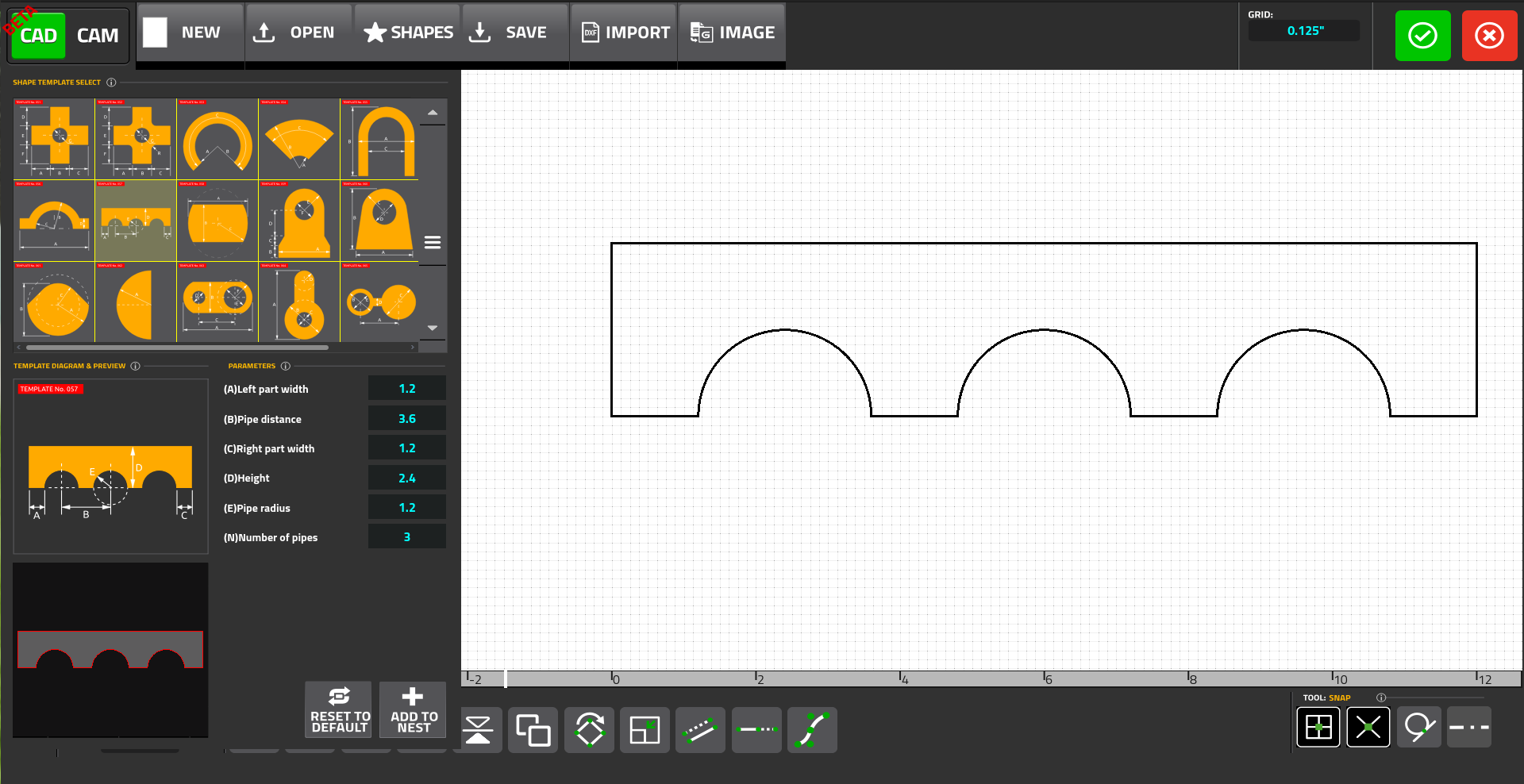
Similar to the CAM module, the CAD also contains a library with with more that 70 standard shapes (such as brackets, circles, etc). These built-in shapes allow the operator to save time on drafting and are accessible via the Shapes button: