As mentioned in our previous blog post, we are now beginning to carry line driver to 5V converters in our online shop (bundled in with our ET6, ET7 and ET10 controllers):
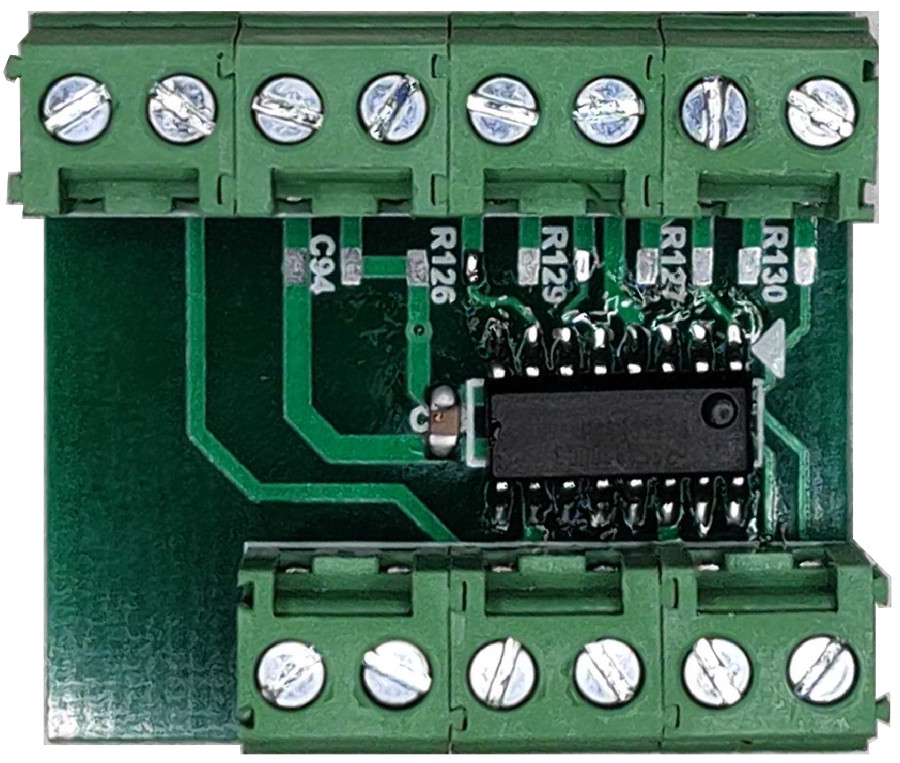
These drivers allow to convert the differential signal from the controller to a 5V signal, allows myCNC customers to use drivers such as ClearPath. The myCNC team has tested the converters and they are now ready to be utilized:
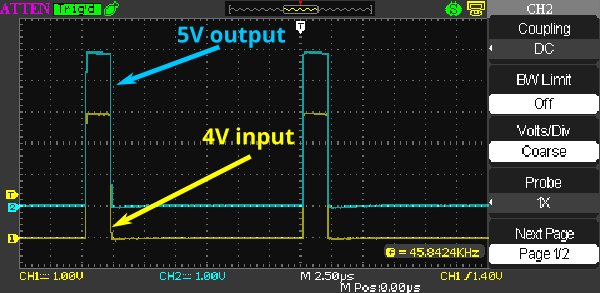
As mentioned, these converters are currently bundled in only with the standalone controllers (not controller kits). If you would like to add a line driver to 5V converter to your controller kit, please contact the myCNC team through the Contact Us page.
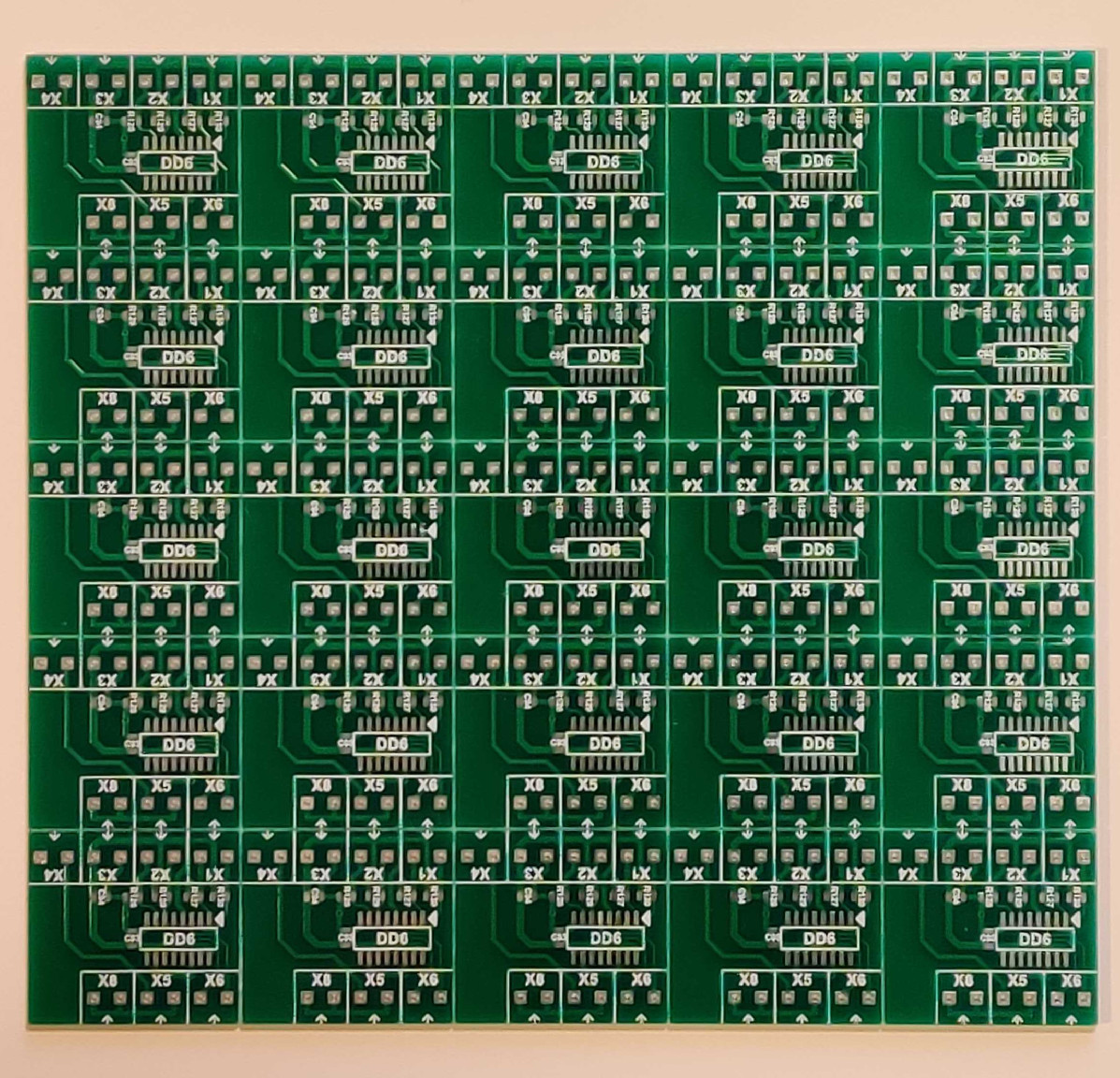
Converters for drivers such as ClearPath will soon be available upon request. Previously, the driver would only activate above a certain threshold due to the difference between the required and the provided signal from the control board due to the design of the driver/motor. In order to mitigate such edge cases, a custom converter has been designed by Puruvesi Automation. Our team will soon be providing this easy-to-setup solution to customers - stay tuned for further updates!
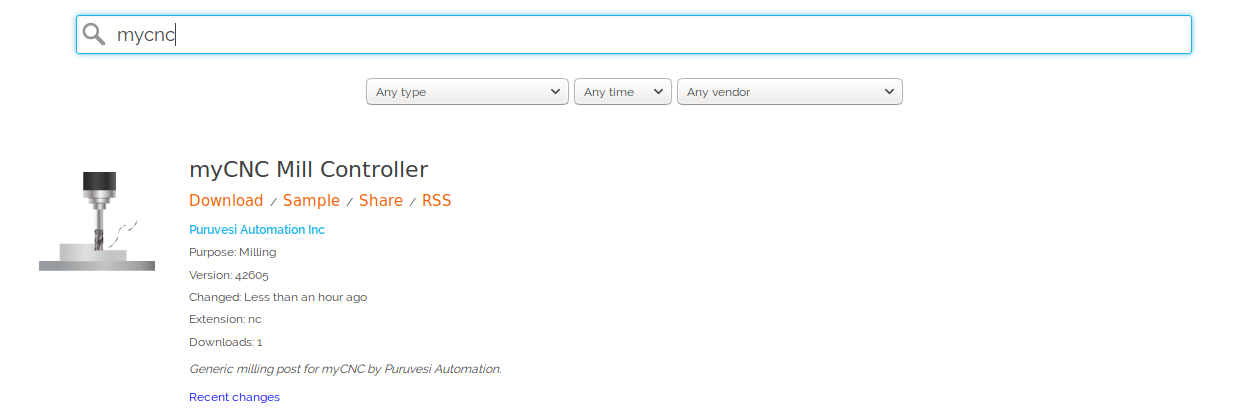
We now have an official Fusion360 post processor for 3- and 4-axis milling machines using myCNC. The new post processor is available here directly, or by searching for "myCNC" on the Post Library for Fusion 360.
A new myCNC update (version 1.88.3676) has been released.
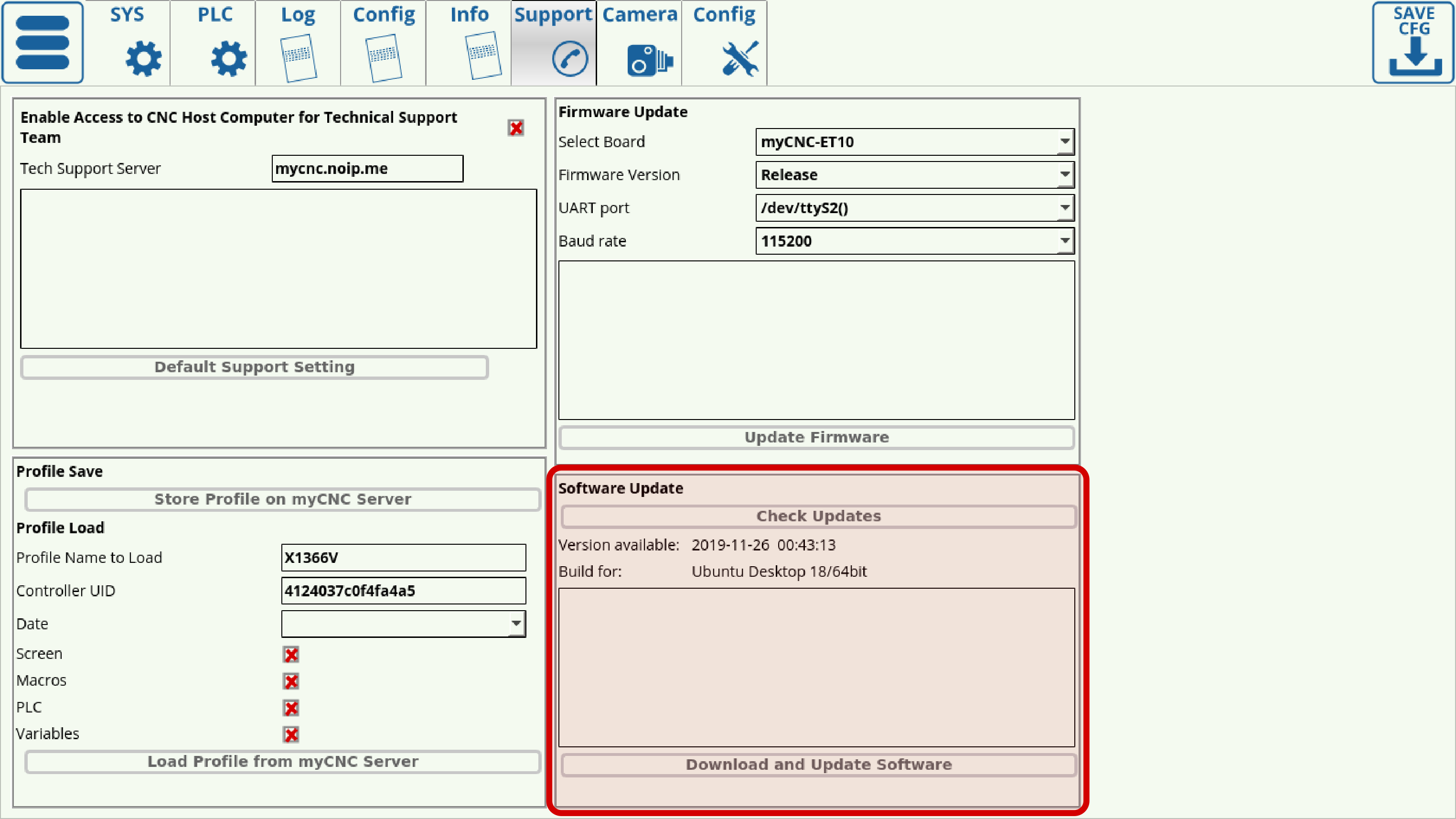
New features
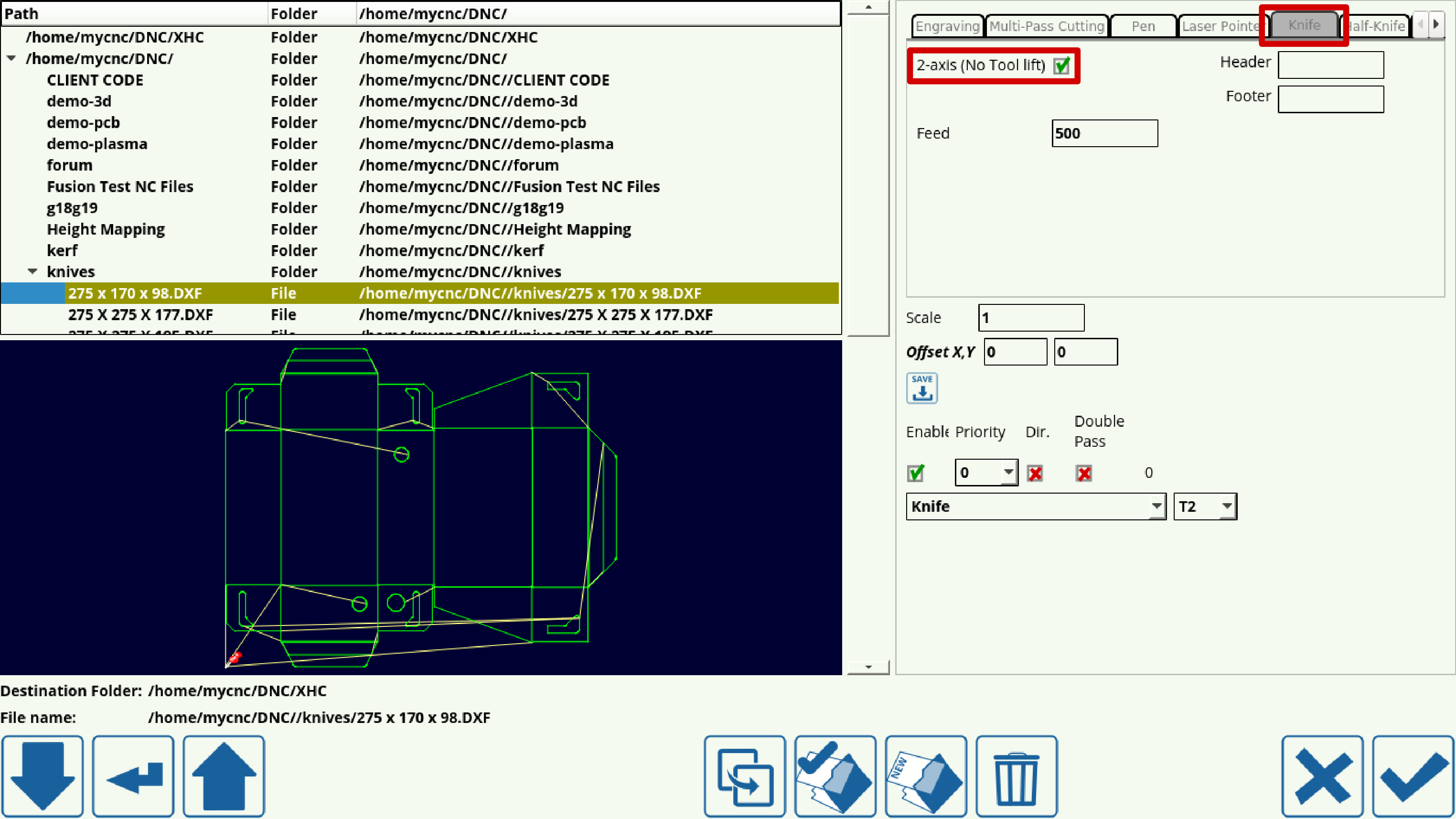
- 2 Axis (No tool lift) tangential knife setups setting. This setting allows users to use systems without a Z-axis motor to raise/lower the knife, and which instead rely on pneumatics to control the vertical position of the working tool. This setting allows to replace the raise/lower commands which would typically be generated during DXF import with M07/M08 PLC commands. The user can then edit M07/M08 to manually turn the necessary controller outputs on and off.
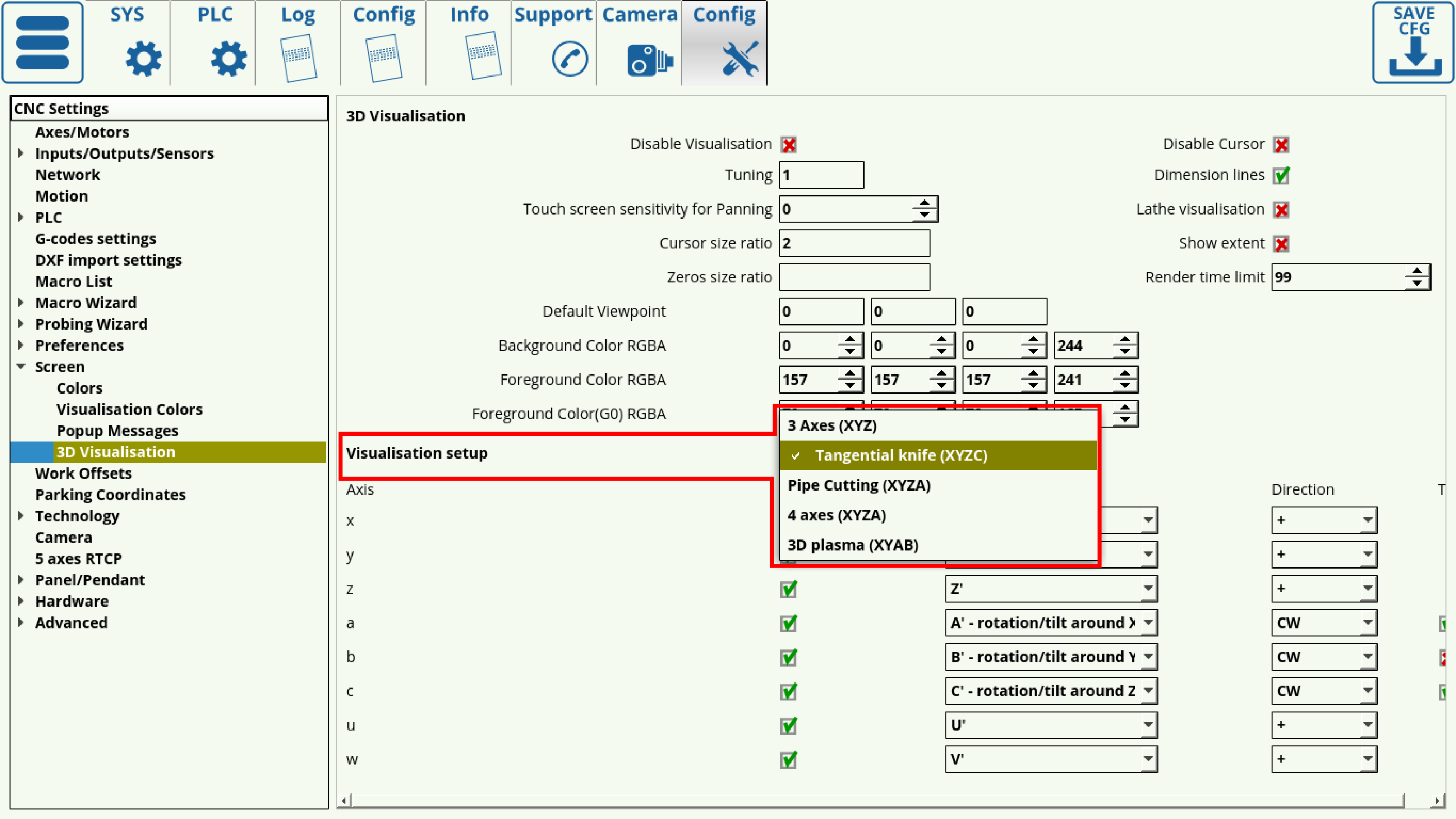
- 3D visualization settings enhancements - the Settings > Config > Screen > 3D Visualization window now allows to choose common presets for machine setups, such as 3 Axes, Tangential Knife, Pipe Cutting and 3D Plasma. This allows to select the common presets with the proper Axes, Directions and Tilt settings without having to manually set up this information in the full table below.
Bug fixes
- Fixed the issues with tangential knife visualization - orientation of the knife should be correct during the cutting process now.
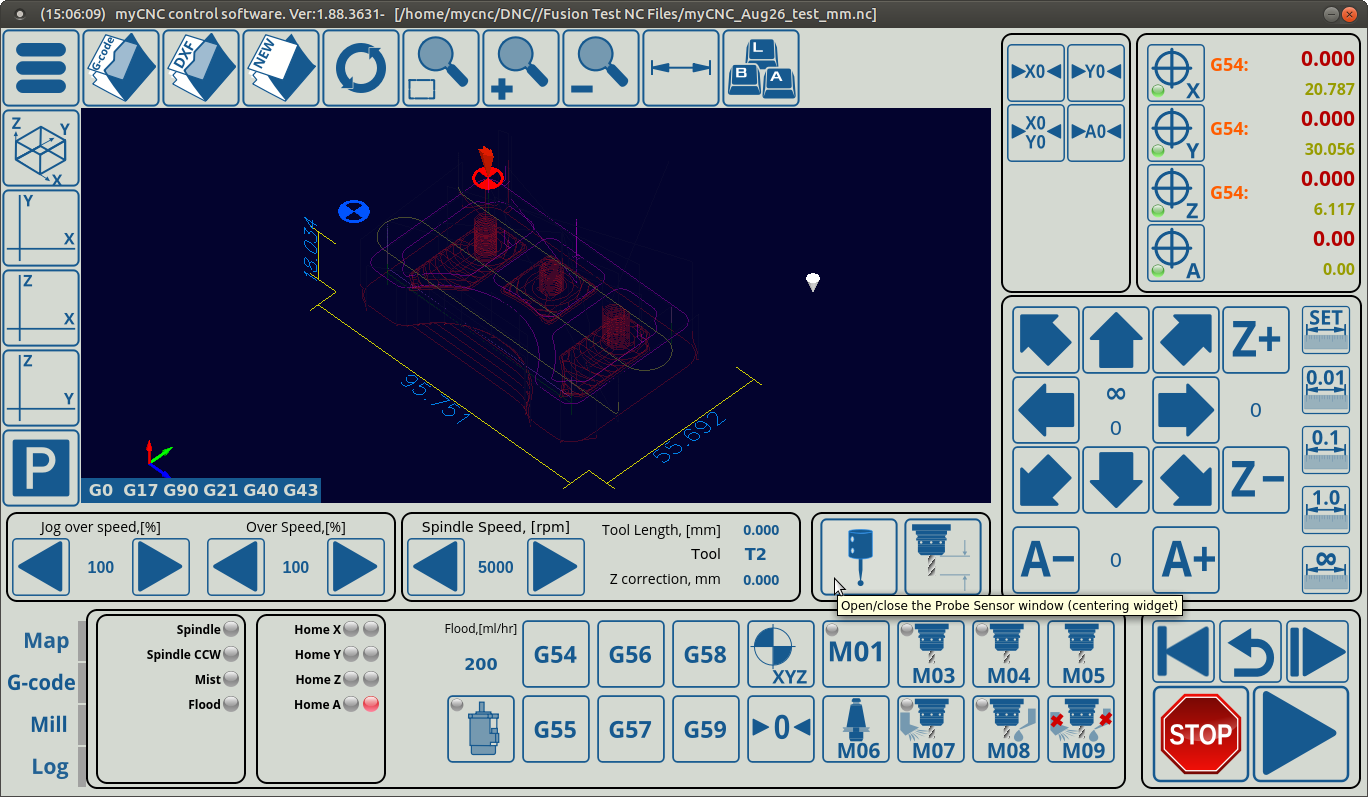
We are currently preparing a number of new profile versions which include tooltips for most of the on-screen buttons, information dialogs and widgets. At the moment, the 1366-series profiles for plasma, gas, mill, and tangential knife machines will be getting this feature.
Here is an illustration of what the new system will look like:
And for those who would rather have your screen uncluttered, we will be implementing a quick switch to turn the tooltip popups on and off. Stay tuned for further updates!